Turn Your Textbook into a Quiz
Photo, PDF, or Pasted Text
Photograph a textbook chapter and AI generates fill-in-the-blank questions on the dates, names, and terms that matter—fully editable, auto-graded, and shareable by one link.
Free plan available · No credit card required
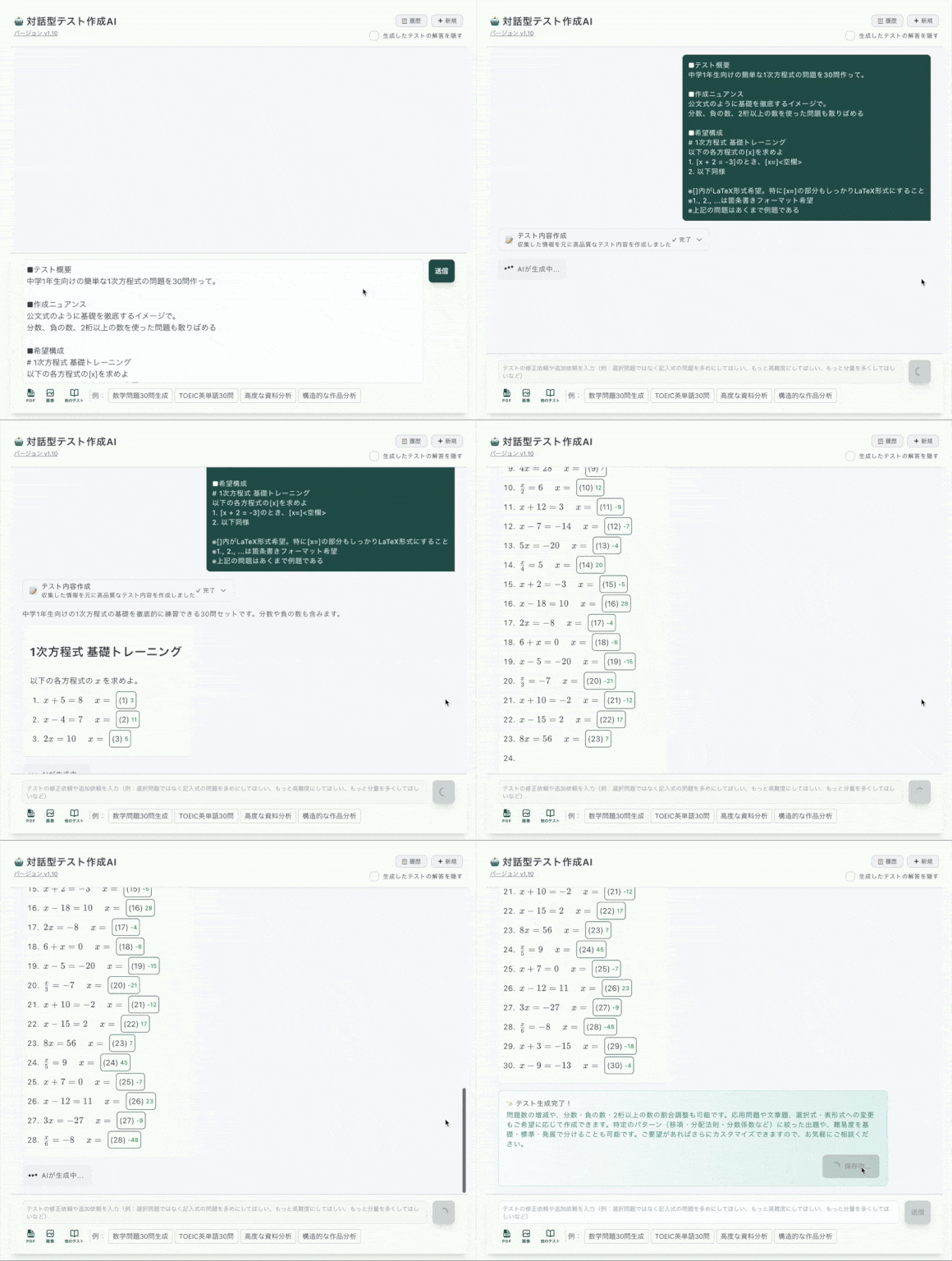
Three Ways In: Photo, PDF Upload, or Paste
Whatever form your textbook chapter is in, there is a route from page to quiz.
Photo of the page
Snap the chapter with your phone. OCR extracts the text (3/day free, 20/day paid) and AI turns the facts into questions.
PDF upload
Upload a chapter PDF or lecture handout. Extraction is included in the free plan (3/day), and the generated questions stay fully editable.
Paste the text
Already have digital notes? Paste them and either let AI pick the blanks or click the facts yourself with the manual editor.
AI Drafts It. You Decide Which Facts Count.
A history chapter is full of dates, names, treaties, and causes—but not all of them will be on the test. That is why generation and control are separate steps.
🤖 Step 1 — AI generates
- •Fill-in-the-blank questions on dates, names, and key terms from the page
- •6 generations per day on the free plan (10/week); 20/day on the paid plan
- •Every generated question is editable—reword, delete, or re-blank freely
🖱️ Step 2 — You refine
- •Click any word—1066, Bismarck, photosynthesis—to blank exactly the facts you want
- •Add hints and explanations so wrong answers still teach
- •Switch blanks to multiple choice, with AI-generated wrong choices if you like
Everything After the Photo Is Handled
Auto-Grading
Typed and multiple-choice answers are scored instantly on submission—no marking by hand.
One-Link Sharing
Send the quiz URL to your class or study group. No accounts, no installs—any browser works.
Answer History
Review who answered what and which facts keep getting missed, so the next revision round is targeted.
Hints & Explanations
Attach context to each blank—why the date matters, what the term means—so the quiz teaches while it tests.
Rich Content
Add images, tables, and audio to questions—maps for history, diagrams for science.
Any Language Textbook
Question text works in any language—Spanish, Japanese, Chinese—even though the app interface is in English.
Works for Any Subject with a Textbook
History
Blank out dates and events—who, when, where, and why—from the chapter
Science
Terms, processes, and units pulled straight from the page
Geography & Civics
Capitals, institutions, and definitions from class handouts
Exam Revision
Students build self-check quizzes from their own AP or finals material
Frequently Asked Questions
How do I turn a textbook page into a quiz?
Photograph the page (or upload a PDF, or paste the text), and AI extracts the content and generates fill-in-the-blank questions on the key facts. You can then edit every question, add or remove blanks, and reorder before sharing.
How many quizzes can I generate for free?
The free plan includes 6 AI test generations per day (10 per week), and photo/PDF text extraction 3 times per day each. The paid plan raises generation to 20 per day and extraction to 20 per day.
Can I control exactly which facts become blanks?
Yes. Beyond AI generation, the click-to-blank editor lets you click any word—a date, a name, a term—to turn it into a blank manually. You decide precisely which facts are tested.
Does it work for history as well as science?
Yes. The workflow is subject-agnostic: dates and events for history, terms and processes for science, vocabulary for languages. Anything in your textbook chapter can become a question.
Do my classmates or students need an account to answer?
No. Share the quiz URL and they answer in any browser on a phone, tablet, or computer—no accounts, no installs. Answers are auto-graded instantly.
Can I use it for exam revision, like AP courses?
Many users build their own revision quizzes from their course textbooks and notes—for AP subjects, finals, or any exam. Note that there is no bundled bank of official exam questions; the quizzes come from your own materials.