Quiz Maker Where Students Never Sign Up
Just Send a Link
No student accounts, no passwords to reset, no app to download. You sign in with Google once; your students just open a link on any device, answer, and see instant results.
Free plan available · No credit card required
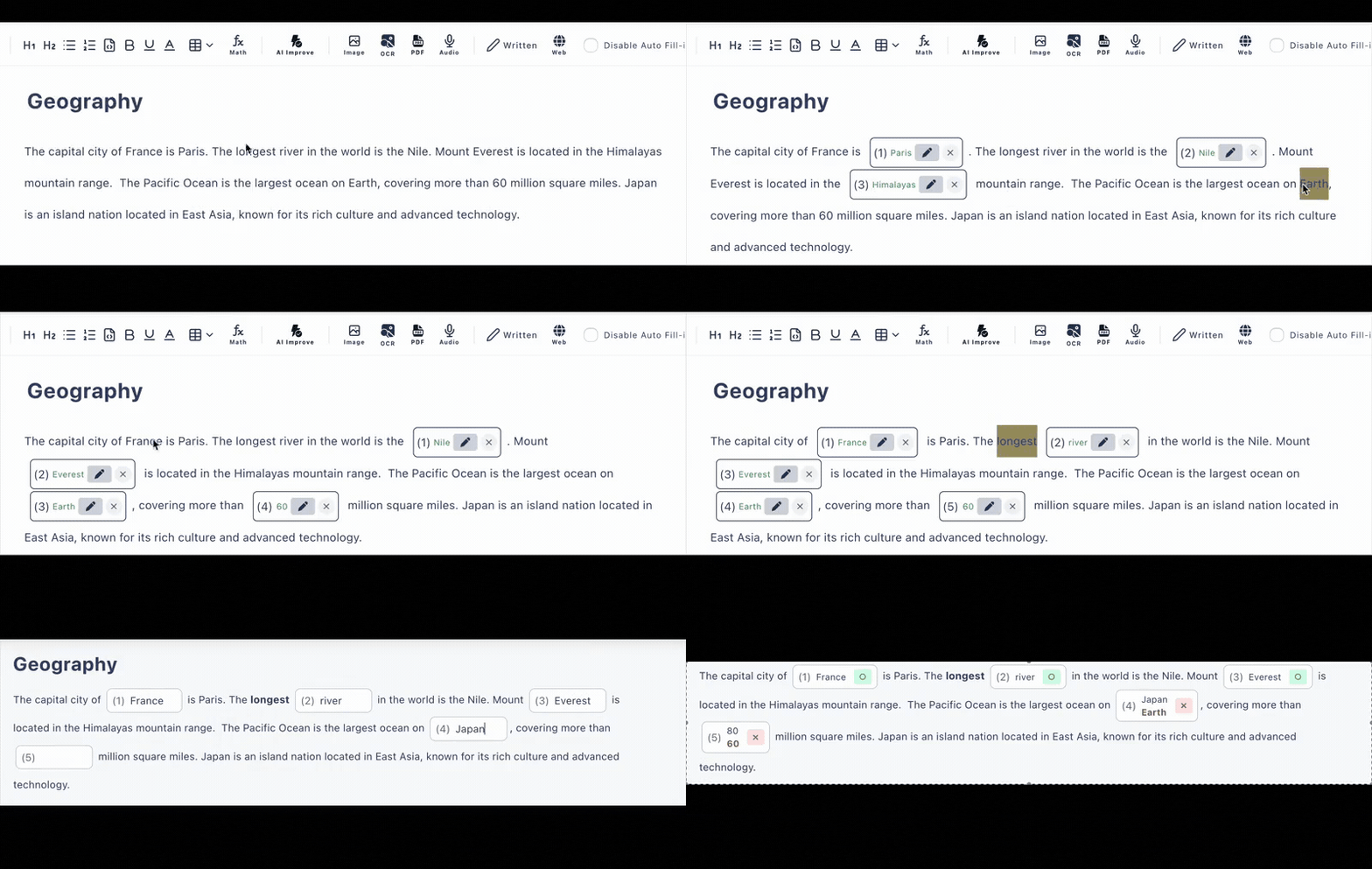
Why “No Sign-Up for Students” Changes Everything
Every account a student has to create is five minutes of class time lost—and a forgotten password waiting to happen.
🔐 Account-based quiz tools
- •Every student registers an email and password
- •“I forgot my login” eats into lesson time
- •Apps to install, versions to update
- •Privacy paperwork for collecting student emails
🔗 Cloze Generator (link-based)
- •Students open the URL and start answering—that's it
- •Works in the browser on phones, tablets, Chromebooks
- •Instant results from automatic grading
- •Only you sign in—once, with Google
What Your Students See
The whole experience from the student's side, step by step. Notice what's missing: a sign-up form.
They tap your link
From Google Classroom, email, a chat message—wherever you posted it. The quiz opens directly in the browser on whatever device they have in hand: phone, tablet, Chromebook, or PC.
(Optional) They type their name—nothing more
If you've turned on the require-name option (a paid-plan feature), students enter a name so you know who's who in the results. Still no account, no email, no password. On the free plan this step simply doesn't exist.
They answer the questions
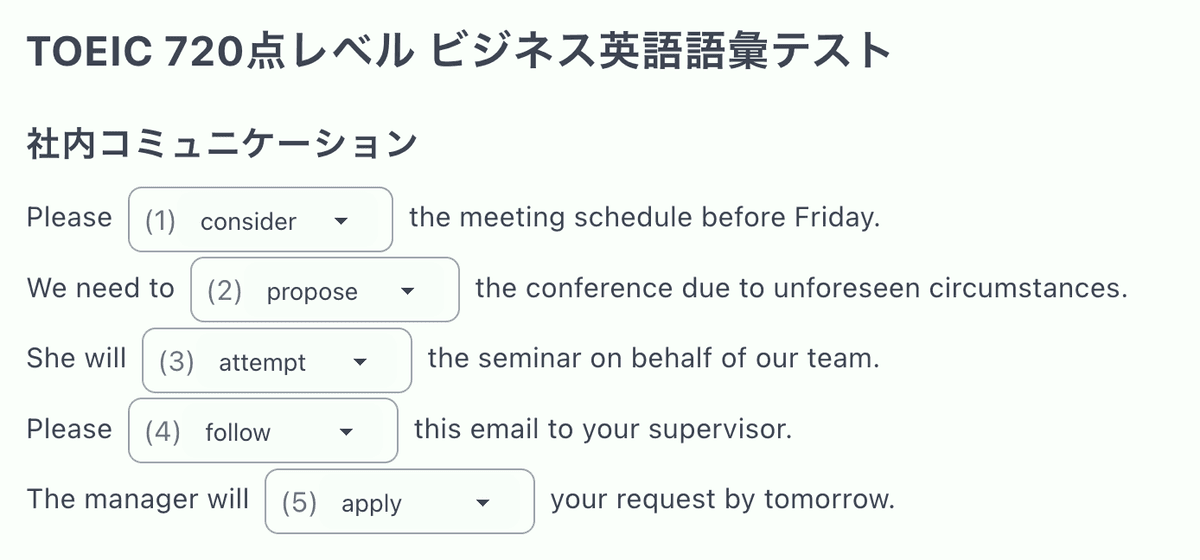
Fill-in-the-blank questions get typed answers; multiple-choice questions get a tap. Hints appear where you added them. The page works the same on a 6-inch phone screen as on a classroom Chromebook.
They submit and see instant results
Auto-grading runs the moment they hit submit: every blank and choice is marked right or wrong on the spot, with the explanations you wrote. Meanwhile the submission lands in your answer history.
One Sign-In Total: Yours, with Google
The only account in the whole workflow is the creator's. You sign in once with your Google account—no credit card for the free plan—then build quizzes by pasting text and clicking words to make blanks, adding multiple-choice questions, or letting AI generate questions from text, a PDF, or an image.
Need to know who answered? The paid plan adds a require-name option (students type a name before starting) and a require-login option for stricter identification, plus an answer history of up to 300 records per quiz instead of the free plan's 10.
Everything a Link-Based Quiz Needs
Link-Based Access
Share one URL through Google Classroom, email, or any LMS. No rosters to import, no codes to manage.
Any Device, No Installs
Phones, tablets, Chromebooks, PCs—if it has a browser, it can take the quiz. No app download, ever.
Instant Results
Blanks and multiple choice are auto-graded on submission. Students get feedback while the material is still fresh.
Optional Name Tracking
Turn on require-name or require-login (paid features) when you need attributable results—still without students creating accounts themselves for the name option.
AI Question Generation
Generate quiz questions from pasted text, PDFs, or photos—included in the free plan (6 per day).
Answer History
Review submitted answers and scores per quiz: the latest 10 records free, up to 300 on the paid plan.
Frequently Asked Questions
Do my students need to sign up to take a quiz?
No. Students never create an account. You send them a link, they open it in any browser—on a phone, tablet, Chromebook, or PC—answer the questions, and get auto-graded results instantly. No sign-up, no app download.
Does the quiz creator need an account?
Yes, but only once: you sign in with your Google account to create and manage quizzes. The free plan needs no credit card. Your students, however, never sign in to anything.
How do I know which student submitted which answers?
You can optionally require answerers to enter a name before starting, or require a login, so results in your answer history are attributable. Both options are paid-plan features; on the free plan, submissions are anonymous.
What devices work for students?
Anything with a browser: smartphones, tablets, Chromebooks, laptops, desktop computers. The quiz page is fully responsive and nothing needs to be installed.
Can I share the quiz through Google Classroom?
Yes—just paste the quiz URL into Google Classroom, email, or any LMS. Because the quiz is link-based, it works anywhere you can share a link.
Do students see their results right away?
Yes. Fill-in-the-blank and multiple-choice answers are graded automatically the moment a student submits, so they see instant results without waiting for you to mark anything.